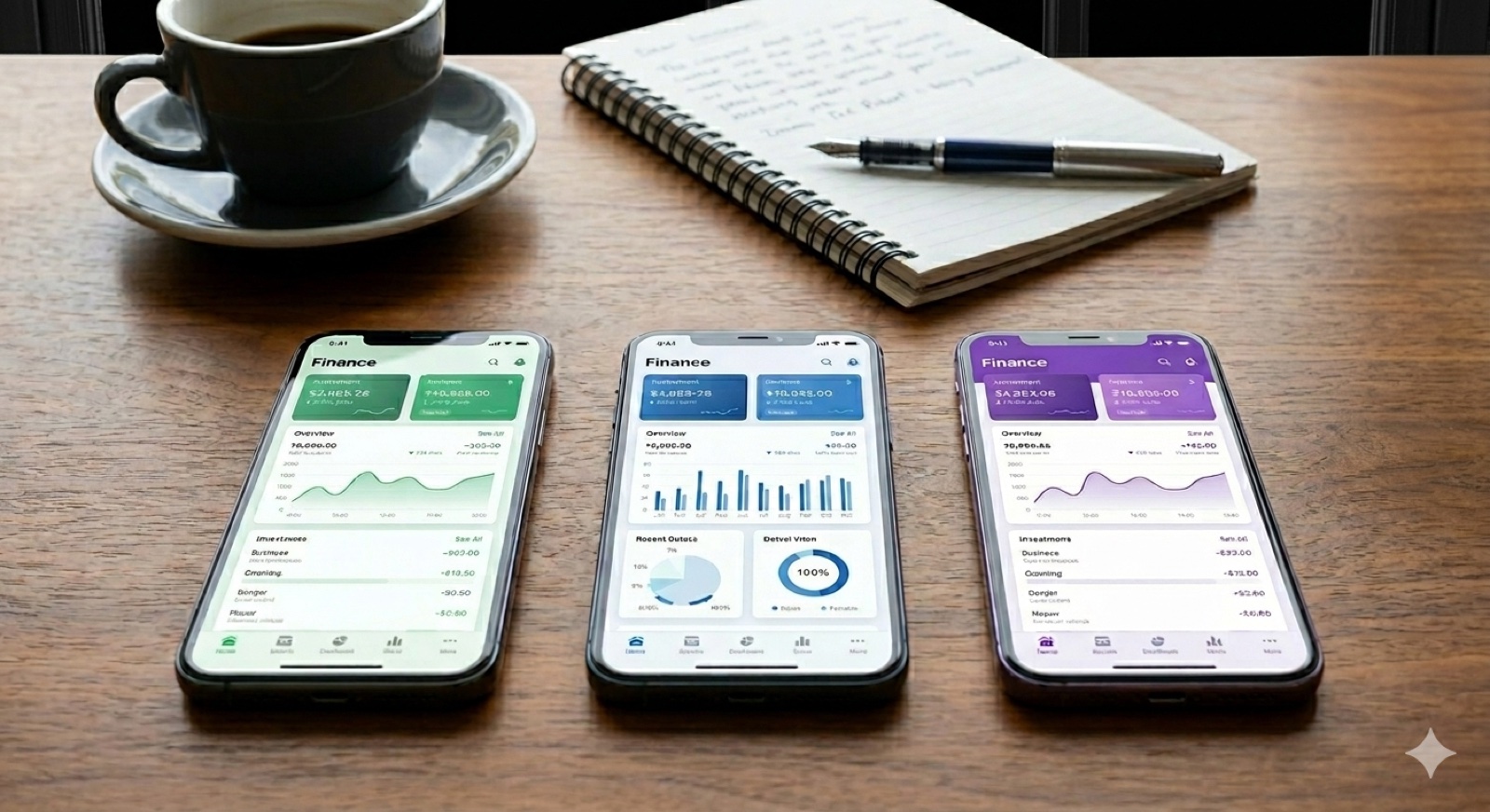
A Bango study from 2024 surveyed 5,000 subscribers in Europe. On average, a German household pays 57 Euro per month for 3.3 active subscriptions (streaming, software, apps). Over a year that comes to 684 Euro. According to Bango, 27 percent of subscribers even pay for services they no longer use, and they are the group most likely to have lost track of their spending.
At the same time, only about one in three people in Germany keeps a household ledger at all (representative survey by EARSandEYES, 2020). The reasons are banal: too much effort, not enough discipline, wrong app chosen and abandoned after three weeks.
Over the past months I have been using five of the best-known household-ledger and finance apps on the iPhone in parallel: Finanzguru, YNAB, Monefy, Outbank, and my own product wimm.cash. Plus the classic Excel spreadsheet as a benchmark, because it is still the most common starting point. Here are the honest observations, each app test described with a concrete use case.
Note: wimm.cash is my product. I try to be fair in the comparison, but read the test with the awareness that I am both the author and the product owner. The honest weaknesses of my app are in there too.
First the question: which user type are you?
The best app depends on what you want to use it for. Four typical profiles cover most cases.
Type 1: receipts at the centre (slips, invoices, tax)
You have work-related expenses, want to digitise receipts in a legally sound way, and want to break past the flat-rate allowance at the end of the year. The photo routine is at the centre; bank connection barely matters to you.
Type 2: account at the centre (overview of cash flow)
You want to see where your money goes without recording every receipt individually. The bank connection via the European banking interface (called PSD2) is mandatory. The app reads your transactions and assigns them to categories automatically.
Type 3: budget method (planning ahead)
You plan spending in advance: "This month I can spend 200 Euro on X". You need an app that manages budgets per category and warns you when you go over.
Type 4: subscription watchdog
Your main problem is the recurring contracts: streaming services, software, apps, insurance. You want to know per contract what you pay, when it can be cancelled, and where the savings potential is.
Most users are mixtures of several types. But if you have a focus, you can tailor the app choice to it.
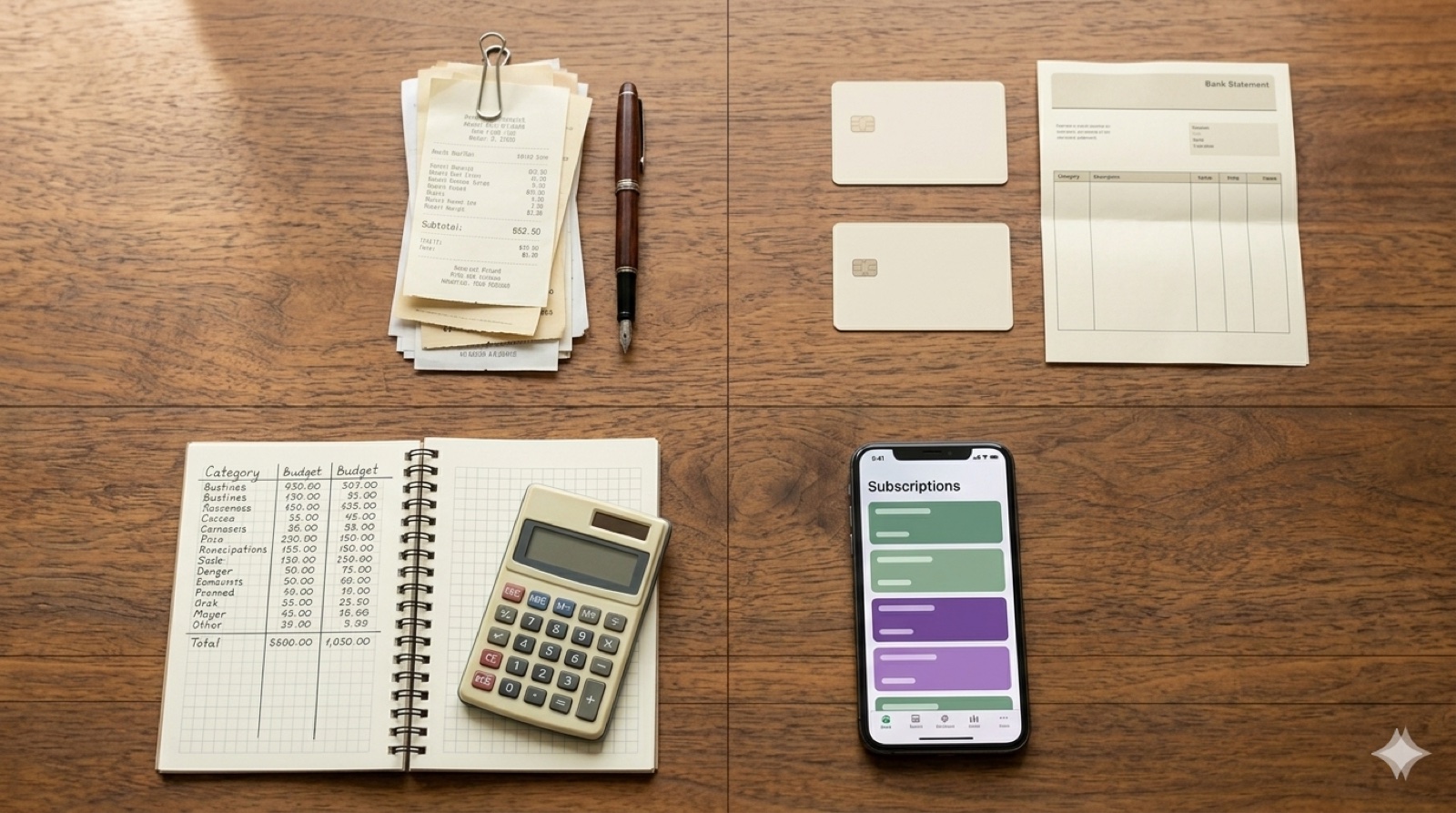
The five apps in the 30-day test
I used each app for 30 days in parallel, with the same receipts and bank movements from everyday life. What works, what does not.
Comparison table
| Criterion | Finanzguru | YNAB | Monefy | Outbank | wimm.cash |
|---|---|---|---|---|---|
| Price (basic) | free | 14.99 USD/mo (34-day trial) | free | 3.99 EUR/mo (14-day trial) | free |
| Premium plan | Plus 2.99 EUR/mo, Premium 6.99 EUR/mo | 109 USD/year | 41.99 EUR/year (subscription) | 39.99 EUR/year | CHF 7.99/mo or CHF 79.99/year |
| Bank connection | yes (3,000+ banks) | partial (automatic bank sync in the EU since 2025, limited) | no | yes (4,500+ banks) | partial (CSV/PDF import in Pro) |
| Receipt photo recognition | no | no | no | no | yes |
| Automatic categorisation | yes | partial | no | yes | yes (language model) |
| Subscription detection | yes | partial | no | partial | yes |
| Budget method | no | yes | partial | no | yes (budgets, savings goals, AI recommendations) |
| Tax export and preparation | no | no | no | no | yes (in Pro) |
| AI insights | partial (contracts) | no | no | no | yes |
| GDPR location | Germany (Frankfurt) | USA | Denmark (developer) | Germany (Vilshofen a. d. Donau) | Switzerland |
| Local data storage | no (DE servers) | no | yes (device) | yes (device) | yes (SQLite, cloud backup optional) |
| Usable offline | partial | no | yes | yes | partial (data yes, recognition online only) |
The apps in detail
Finanzguru: the DACH market leader with a bank focus
Finanzguru is based in Frankfurt, has more than 3,000 German banks connected via PSD2, and is the uncrowned multi-banking market leader in the DACH region. The strength is automatic contract recognition: when Spotify, Netflix, and your electricity provider debit regularly, Finanzguru sees that within a few weeks and shows you a contract overview. The TÜV audit and BaFin authorisation with AISP and PISP licences create the trust you need for bank access credentials. Data sits on German servers.
Three tiers: basic free (bank connection, simple tracking), Plus for 2.99 Euro per month (unlimited analyses, individual budgets, Excel export), and Premium for 6.99 Euro per month with additional features. Plus and Premium have a 7-day free trial and are cancellable monthly.
The weakness: receipts play practically no role. If you want to scan a slip at the restaurant, that does not work. Finanzguru shows you your bank booking ("Card payment Cafe Sant"), but it does not know the individual line items. For work-related expenses, self-issued receipts, and tax-return preparation, it is unsuitable.
Fits Type 2 and Type 4.
YNAB: the method, not just the app
YNAB ("You Need A Budget") is a budget philosophy poured into an app. The core idea: you assign each dollar a category before you spend it, "Give every dollar a job". It works if you stick with the discipline, but it has a real learning curve.
The app costs 14.99 USD per month or 109 USD per year. There is a 34-day trial, after that only the paid version is available. Since February 2025, YNAB also offers automatic bank sync in Europe (called "Direct Import" in the app), but the list of supported banks is limited. N26, DKB, regional Sparkassen, and many other German banks are, according to user reports, not reliably connected. Many German users end up with manual CSV exports from online banking or paid add-on services like "Sync for YNAB". The app is primarily in English.
Strength: no other app forces you so consistently into proactive budget planning. Weakness: price, learning curve, unreliable DACH banking, no receipt focus.
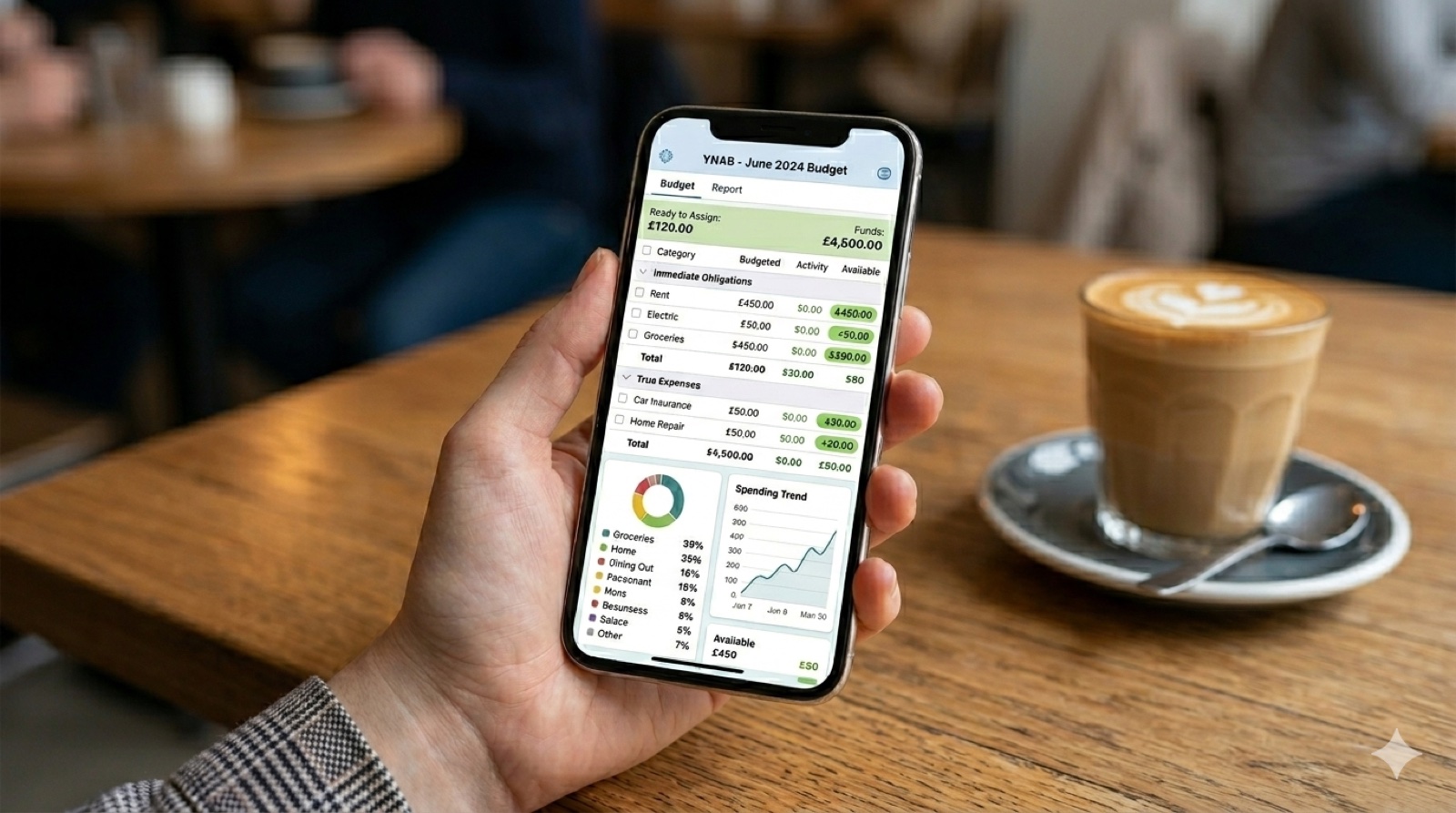
Fits Type 3, if you are willing to learn the method and English does not bother you.
Monefy: simple, fast, no pretension
Monefy is the counter-model to YNAB. A very simple interface with large buttons, no registration, no bank data, no cloud. You type in each expense manually, assign a category, done. The app is published by Reflective Technologies ApS from Denmark; data sits primarily locally on the device.
A free version with core features, plus a "Monefy Premium" subscription via the German App Store, currently listed at 41.99 Euro per year. Premium unlocks password protection, Dropbox sync, custom categories, icon customisation, and a dark mode.
Strength: local on the device, low data-protection overhead, ready to use immediately. Weakness: everything manual, no automation, no reports on the level of the larger apps. Note: older sources often describe Monefy as a one-time purchase app; the business model has since moved to subscription.
Fits Type 1 or 4 in their simplest form, if you do not want automatic capture and you get by with three to five entries per day.
Outbank: multi-banking with local data storage
Outbank is developed by Outbank GmbH from Vilshofen an der Donau in Bavaria, a subsidiary of FP Finanzpartner AG. The app is Finanzguru's direct competitor in multi-banking, with over 4,500 supported banks and financial institutions. The difference from the market leader: Outbank stores your bank data locally on the device, not on a server. The data is encrypted with AES and is not passed to third parties. Anyone who wants maximum data privacy and who still does not trust Finanzguru's "German servers" guarantee goes with Outbank.
Price: 3.99 Euro per month or 39.99 Euro per year, with a 14-day trial. No free full version. International banks are supported better than at Finanzguru, but the contract recognition is less mature.
Fits Type 2, when data privacy is the priority.
wimm.cash: receipts via photo plus several finance functions
wimm.cash is my own product, so the points here come with an honest list of the weaknesses. At the core you photograph every receipt; the server reads date, merchant, and amount via a language model and assigns a category automatically. For mixed-purchase receipts, you can split individual items and categorise them differently.
Around that, several functions are built that I did not initially plan for and that have surprised me with how often I use them myself. The most important is budget management: you set a budget per category, the app suggests an AI-supported split based on your previous spending, and at every new receipt it checks in real time where you stand. On the result screen after a scan, the remaining budget for the matching category appears directly below the amount. This small daily reminder replaces the "plan the budget in advance" discipline that YNAB requires.
On top of that: savings goals with progress display, automatic detection of recurring debits, AI insights into your spending patterns, tax preparation with its own export, import of bank statements as CSV or PDF (in Pro), and splitting a restaurant bill across multiple people. Data is primarily local on the device; a cloud backup is optional.
The free version covers 30 receipt recognitions per month. Pro costs CHF 7.99 per month or CHF 79.99 per year and unlocks 500 recognitions per month, unlimited smart rules, tax management with export, bank-statement import, and additional analyses. A Business plan for teams and the self-employed (CHF 14.99 per month or CHF 149.99 per year) is on the waiting list and will add, among other things, DATEV export, mileage tracking, and multi-user mode. Apple converts the CHF prices automatically into Euro on the German App Store. Depending on the exchange rate, you currently pay around 8.40 Euro per month for the Pro plan as a user in Germany.
The weaknesses: no direct live connection to your bank account via PSD2 (bank data comes only via manually downloaded files), DATEV export not yet in the Pro plan, and receipt recognition needs internet. Anyone who only wants to track account transactions in real time and does not photograph receipts is better served by Finanzguru or Outbank.
Fits Type 1 as the core, and substantially covers Type 3 (budgets and savings goals with AI split) and Type 4 (automatic subscription detection).
Excel or Numbers as a benchmark
A spreadsheet in Excel or Numbers is the classic method and for many users the entry point. Free, local, full data control. The price: type in manually every day, no photo capture, no bank connection. Anyone with the discipline gets the most flexible solution. Realistically, most people give up after four to six weeks because the daily effort gets too high.
My own Excel attempt ended in early 2023 after exactly five weeks. I had built a nice template, with categories, monthly evaluation, and a mini dashboard. Until mid-February I was disciplined, then came a business trip with stacked receipts, I lost a week, and from there the spreadsheet was a bad conscience instead of a tool. Three months later I deleted it.

If you take Excel seriously and stick with it: you do not need an app. If you have already tried it twice and given up: look for an app with automation.
What iPhone users really need
Three points that get too little attention in comparisons and deserve more.
1. GDPR location and data storage are not irrelevant
A household-ledger app sees every one of your expenses. If the app is US-based and gives no EU-GDPR guarantees (see YNAB), your data may be accessible to US authorities. Apps with local storage (Monefy, Outbank) or with exclusively DE/EU servers (Finanzguru, wimm.cash on EU servers in Switzerland) are the safer choice.
2. Bank connection is not an advantage for everyone
Bank connection sounds like maximum convenience and in many ways it is. But it has two downsides that get lost in most comparisons.
First, missing detail depth. A bank booking looks like this: "Edeka 38.47 €". You know where and when you shopped, but not whether it was groceries or a birthday gift. Anyone who needs to separate work-related expenses or business expenses from private purchases needs the receipt in addition.
Second, missing awareness. With a bank connection, capture happens invisibly in the background. I used Finanzguru for one month as my only tracking app. By the end, I knew how much I had spent on each day, but not specifically on what. With the receipt photo, that is different: because you briefly handle every receipt, you also see the individual line items, and it forces a moment of reflection. This small friction is not a bug, it is the actual tool.
On top of that, the privacy angle: PSD2 is secure, but the app still sees every cent that leaves your account. Anyone who does not want all expenses in one app deliberately picks an app without bank access.
3. Capturing subscriptions works in three ways
Via the bank connection (Finanzguru, Outbank): recognises recurring debits automatically. Very convenient, but only what goes through the connected accounts. Streaming subscriptions within a family plan, Apple subscriptions via iCloud family, or PayPal contracts disappear easily.
Via receipt photo and frequency detection (wimm.cash): every receipt lands in a database; the app recognises, based on merchant and frequency, that three monthly Spotify receipts add up to a subscription. Advantage: also captures cash purchases and non-bank-bound contracts, provided you photograph them. Disadvantage: the subscription is only visible after two to three cycles.
Manual tracking (Monefy, Excel): you enter new subscriptions yourself. More effort, but 100 percent completeness, because you know yourself what you have just signed up for.
Three mistakes in choosing an app
Mistake 1: choosing the app by ratings, not by use case
App Store ratings tell you how satisfied other users are, but not whether the app fits your use case. YNAB has excellent ratings but is completely wrong for a pure receipt collector. Clarify the use case first, then filter apps.
Mistake 2: accepting the free version without a trial period
"Free" does not necessarily mean "sufficient". At Finanzguru the free version is generous; at many others it is a lure with limited features. Before paying, test for at least two weeks whether you really need the paid features.
Mistake 3: ignoring the data-protection location
Most comparison posts do not mention this, but for financial data it is relevant. Check the app description or the imprint for where the provider is based and where the data is hosted. EU location with GDPR compliance is the minimum; local storage is the maximum.
FAQ
Which app is best for the German tax return?
If receipts are the focus: a photo app like wimm.cash, because you scan the slips directly and store them digitally in a GoBD-compliant way (see Scanning receipts on iPhone for the details on the duty to keep receipts available). If flat-rate amounts and bank statements are enough, Finanzguru exports your bookings.
Do I need an app with bank connection?
Only if you want to see the cash flow across several accounts without capturing every booking manually. If you only want to track cash expenses, restaurant receipts, and slips, a bank connection is not necessary.
Is my data safe with a household-ledger app?
With reputable providers that have an EU location, PSD2 compliance, and encrypted transmission, yes. Important: no storage of bank data in a US cloud without an explicit guarantee, and no apps from unknown providers in third countries.
Is Premium worth it or is the free version enough?
Finanzguru in its free version covers everything for most private users. wimm.cash free is enough for 30 receipts per month, which covers occasional users. Outbank and YNAB have no free version; for those the trial subscription is the only way to test before paying.
What if I use several apps in parallel?
It works, but it is double the work and leads to inconsistent data. Recommendation: a maximum of two apps, one as main capture and one as a supplement (for example Finanzguru for the account overview plus wimm.cash for receipts). Sticking with one app is cleaner.
What about Apple Numbers or Excel?
Works only if you really type in daily with discipline. Most Excel ledgers die after four to six weeks. If you have tried it once and not stuck with it: do not start a second spreadsheet, get an app with automation.
How long does the switch from Excel to an app take?
With good care, around two weeks to settle in. With a photo app faster, because the only daily effort is the photo at the table. With a bank connection it takes a bit longer, because you first have to connect all accounts and teach the categories once.
What you can do now
If you are looking for an app and have no clear choice, here is the approach:
-
Clarify the use case. Are you Type 1 (receipts), 2 (bank), 3 (budget), or 4 (subscriptions)? If mixed: what is the dominant motivation?
-
Test one app per use case. One is enough. Anyone who tests three apps in parallel usually abandons all three. Set yourself a 30-day trial period and run it consistently.
-
Evaluate after 30 days. Did you really capture daily, or did you give up around day 10? If yes: is it down to the app, or do app and use case not fit together? Only then switch to the next app.
-
For tax questions. If you want to claim work-related expenses, you should read the receipt workflow from the pilot post anyway. A pure bank app does not replace that.
When receipts are at the centre
In this comparison, wimm.cash does only one job really well: photograph receipts, read them automatically, categorise them, export them for the tax return. For all other use cases (bank, budget method) other apps are better suited.
What the app can do as of May 2026: photo capture with language-model recognition, automatic categorisation also for new merchants, splitting individual line items, smart rules as a correction mechanism, budgets with AI-supported split and a live display of the remaining budget on the result screen after every scan, savings goals, automatic detection of recurring debits for subscriptions, AI insights into spending patterns, tax preparation with export, import of bank statements as CSV/PDF (in Pro), splitting a bill with friends. Data primarily local on the device.
Free version with 30 recognitions per month, Pro for CHF 7.99 per month (around 8.40 Euro on the German App Store after Apple's conversion) or CHF 79.99 per year.
What the app cannot do: direct PSD2 live connection to your bank account, DATEV export (planned in the upcoming Business plan); the recognition itself only runs with an internet connection.